
LinkedIn Lead Form Optimization
A complete breakdown for founders who want high-quality B2B leads instead of expensive, low-intent submissions

LinkedIn is the most powerful B2B lead generation platform in the world, and its Lead Gen Forms convert better than almost every other paid channel. But most founders misuse them. They collect too much information too early, overwhelm decision makers, destroy mobile usability, and ruin the quality of the leads they do capture.
This guide gives you the complete system for building, refining, and scaling high performing LinkedIn Lead Gen Forms that attract serious prospects. Every part of this breakdown comes directly from the document you provided, rebuilt into a founder friendly narrative.
Overview
Professional psychology
Understand how executives think and why they hesitate to fill forms.Strategic form architecture
Choose the right fields based on funnel stage and conversion impact.Mobile first execution
Design for the environment where most LinkedIn leads actually convert.Progressive profiling
Collect information over time instead of overwhelming users upfront.Validation and quality control
Protect lead quality with structured, automated checks.Integration architecture
Send clean, standardized data directly into CRM and automation systems.Testing and optimization
Improve form completion and qualification using systematic experiments.
The Founder Who Thinks They Have a Lead Problem
And the moment they realize they actually have a form problem
Imagine a founder named Jordan.
Their ads are solid.
Their targeting is clean.
Their offer is strong.
Their CTR is healthy.
But the leads show up like this:
Mismatched roles
Students who clicked by accident
Companies outside the ICP
Fake email addresses
People who have no authority or budget
Jordan keeps blaming the ad.
But the ad is not the real problem.
The form is.
Once Jordan sees the full optimization framework, everything snaps into place.
Most founders do not need better ads.
They need a form that only the right people are willing to complete.
Here is the system Jordan implements.
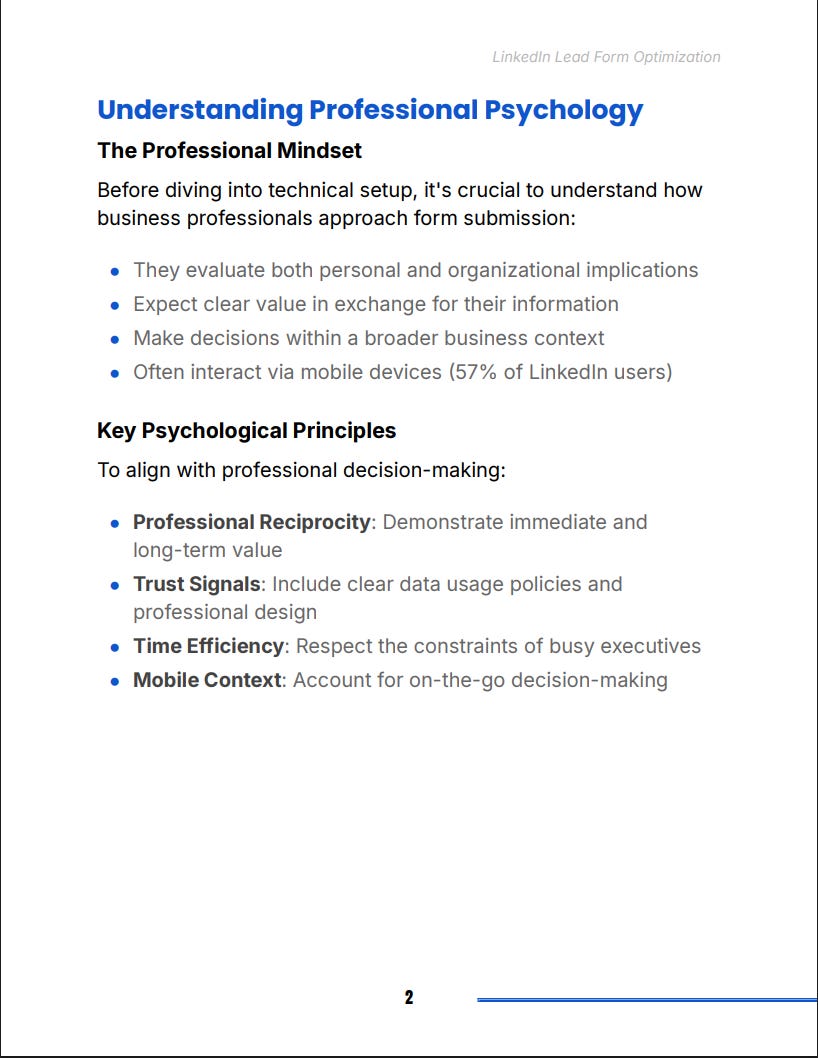
Step One: Understand Professional Psychology
Because executives decide differently than consumers
LinkedIn users evaluate form submissions through a professional lens.
They think about time, relevance, privacy, and organizational implications.
Jordan learns four key insights:
They assess risk
Executives worry about spam, irrelevant follow ups, and wasted time.
They need clear value
They expect instant and long term benefit from sharing their information.
They make decisions in context
A manager thinks differently than a director, and both think differently from a VP.
They are mobile first
More than half of LinkedIn users interact on their phones.
When Jordan acknowledges these realities, the whole form strategy shifts.
The goal is no longer to ask for everything.
The goal is to ask for exactly what matters at the right time.
Step Two: Build Strategic Form Architecture
The science of choosing the right fields without killing completion rates
Your form fields determine your conversion rate.
Your form fields also determine your lead quality.
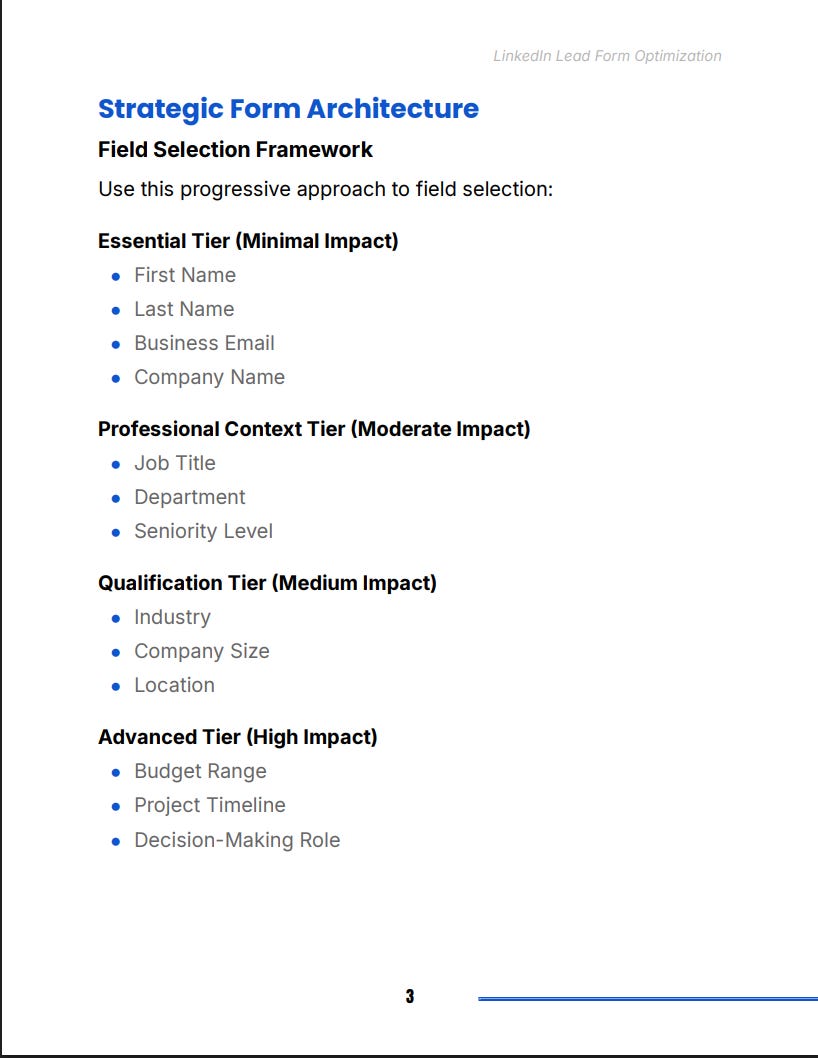
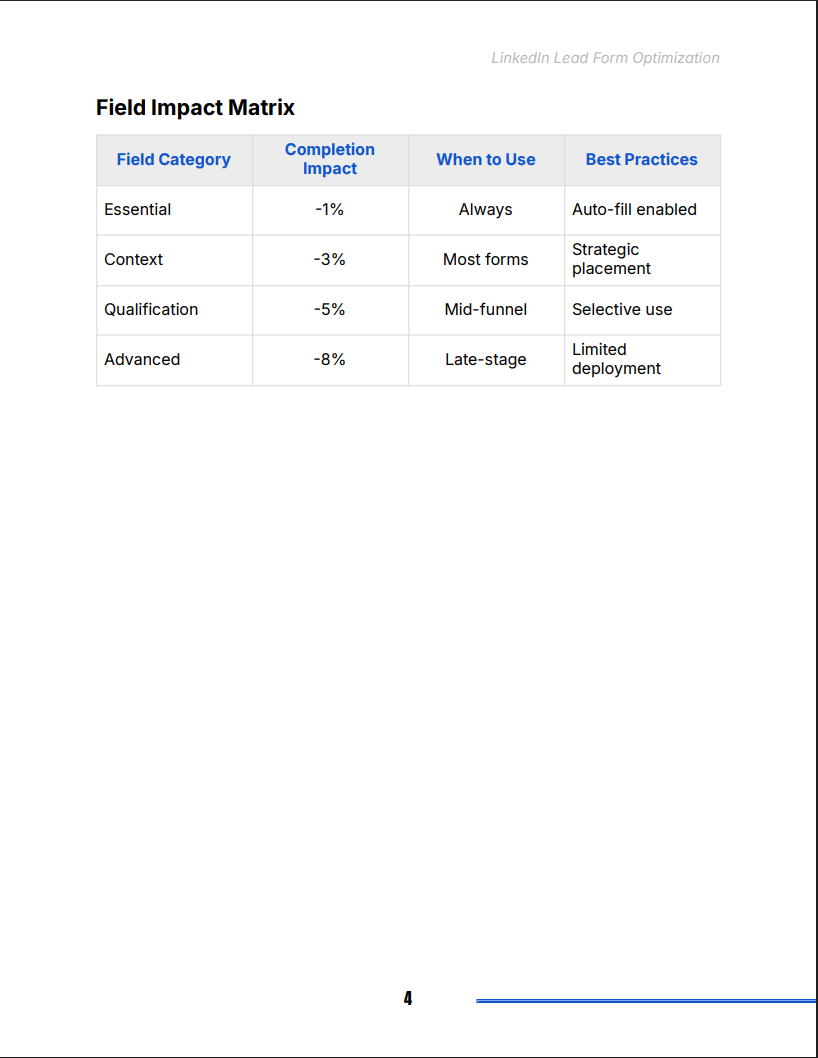
You balance both by building forms in four tiers.
Essential fields
First name
Last name
Business email
Company name
Minimal impact on completion.
Professional context
Job title
Department
Seniority
Moderate impact.
Qualification fields
Industry
Company size
Location
Medium impact.
Advanced qualifiers
Budget
Timeline
Decision making role
High impact, only for later funnel interactions.
Jordan reorganizes their forms based on funnel stage instead of dumping every field into one form.
Completion improves.
Quality improves.
Sales stops wasting time.
Step Three: Build a Mobile First Form Experience
Because mobile friction destroys more LinkedIn leads than bad targeting
Mobile breaks most lead forms.
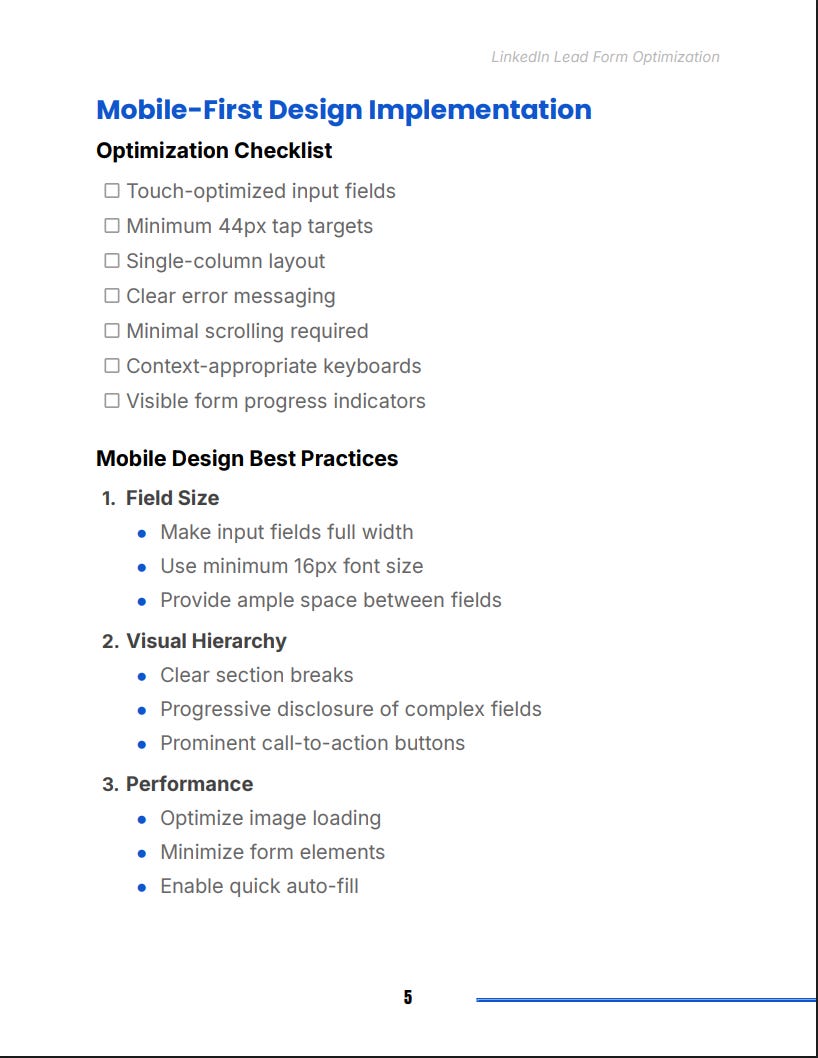
Jordan fixes that by applying the checklist across every element.
Touch optimized inputs
Large tap targets
Full width fields
At least sixteen pixel font size
Clear spacing between all elements
Single column layout
No side by side fields
No unnecessary scrolling
Clear visual hierarchy
Section breaks
Strong CTA button visibility
Simple progression cues
Performance optimization
Fast loading images
Minimal elements
Auto fill enabled everywhere
Once Jordan designs specifically for mobile, form abandonment drops immediately.
Step Four: Implement Progressive Profiling
Collect information across multiple touchpoints instead of forcing everything upfront
A single form cannot do everything.
A lead journey can.
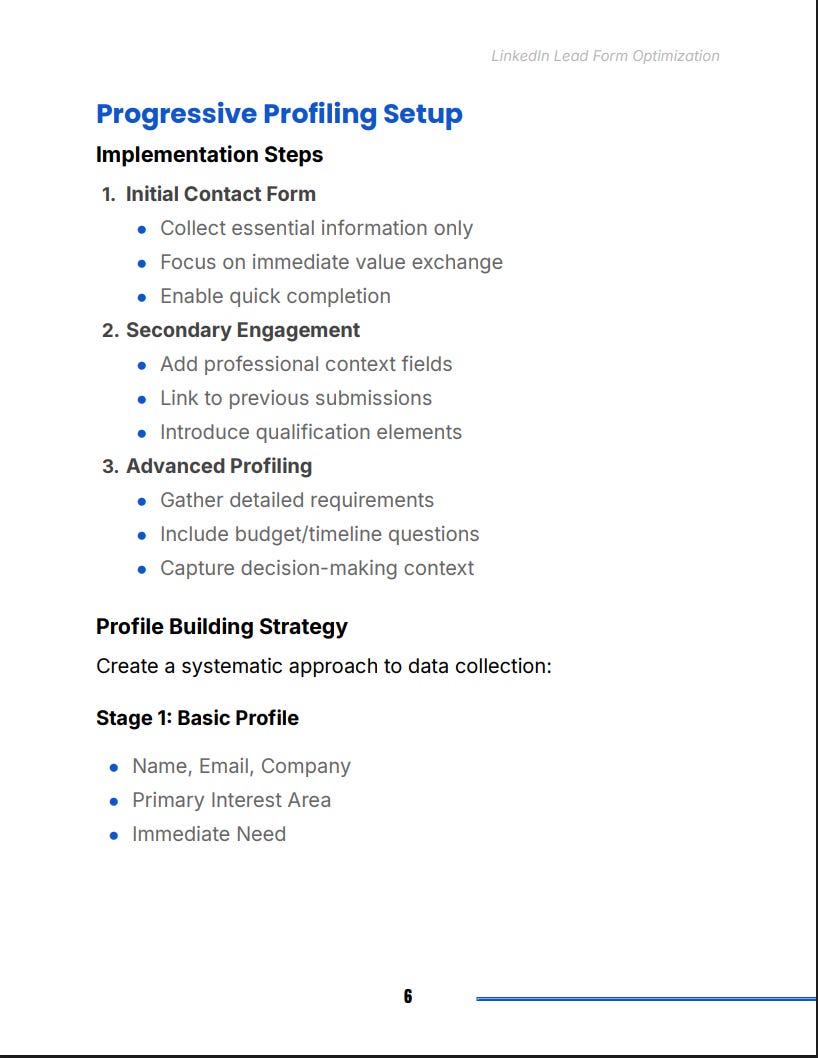
Jordan applies a layered profiling model.
Stage one: essential info only
Capture the basics.
Deliver something of value immediately.
Reduce friction to near zero.
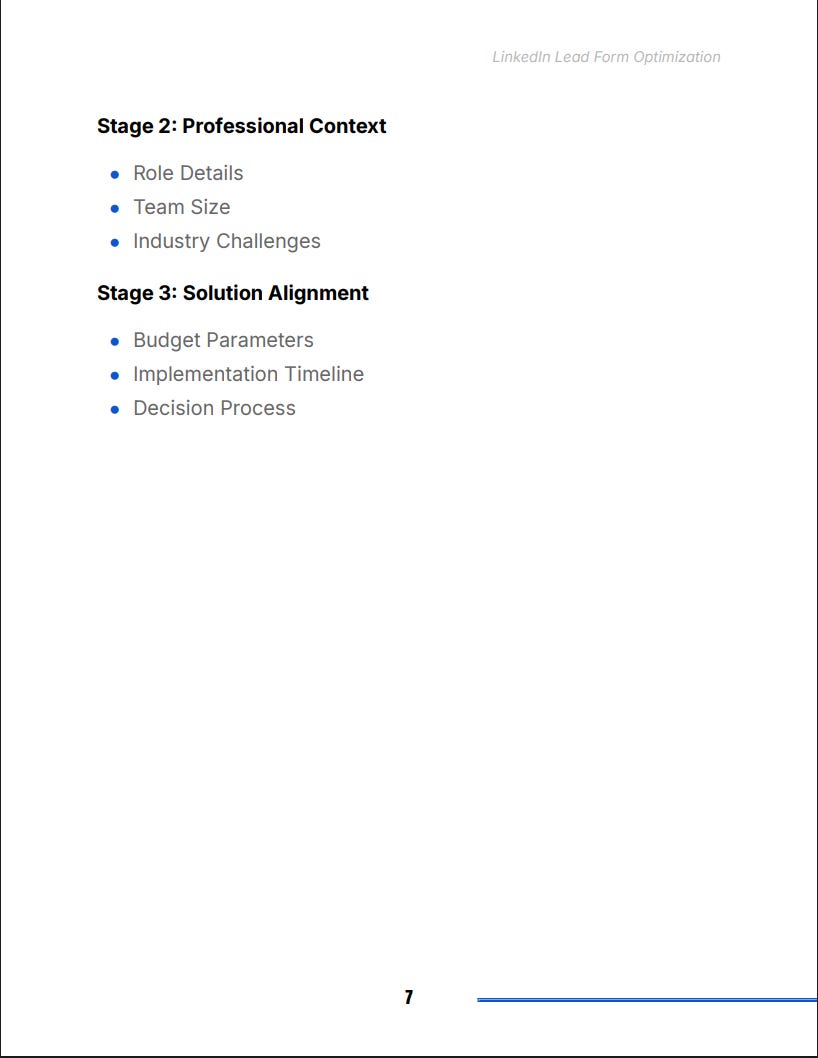
Stage two: professional context
Once the user engages again, ask for role, team size, challenges, and industry details.
Stage three: solution alignment
Only after demonstrating value do you request budget, timeline, and decision process information.
This structure produces two outcomes:
The right people keep moving forward.
The wrong people filter themselves out.
Progressive profiling becomes the foundation for clean, high intent leads.
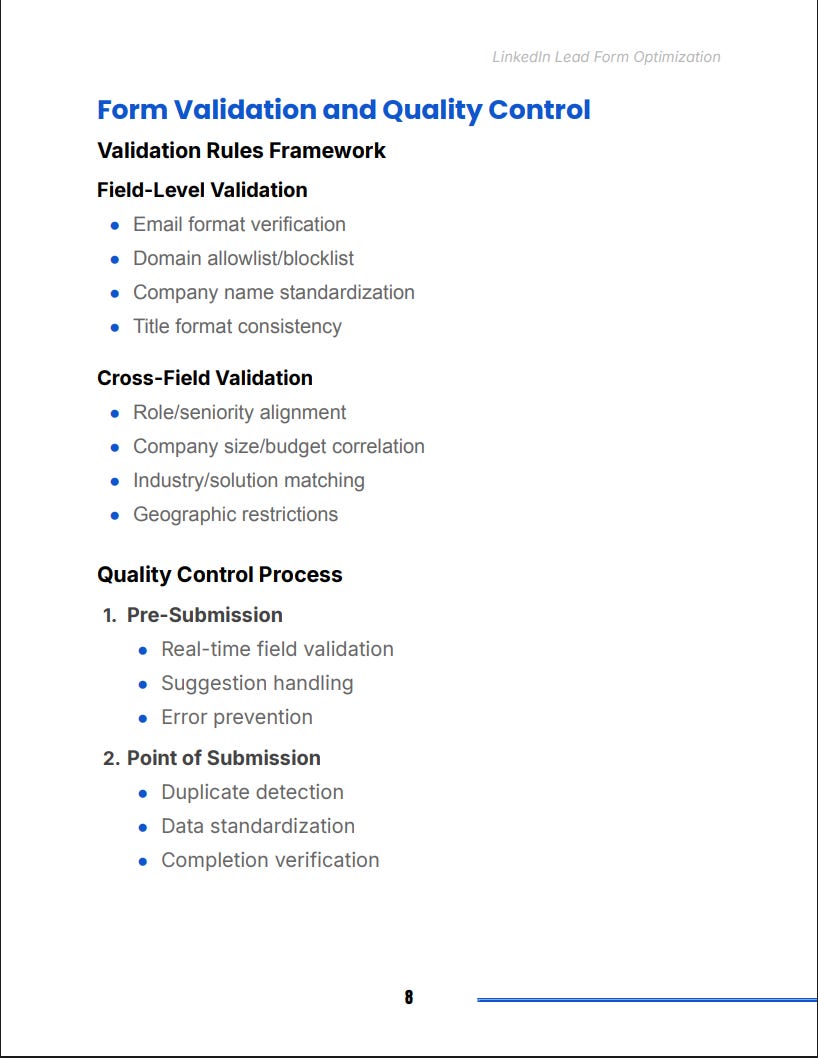
Step Five: Build a Validation and Quality Control System
Lead quality collapses unless you protect it at three checkpoints
Jordan implements a three stage validation process.
Pre submission
Real time checks for email formatting, duplicate detection, and title consistency.
Smart suggestions for misspellings and invalid domains.
Point of submission
Standardization across fields.
Business email checks.
Verification of required fields.
Post submission
Lead scoring rules.
Automatic enrichment.
Routing logic based on relevance, geography, and buying power.
This eliminates junk before it ever reaches sales.
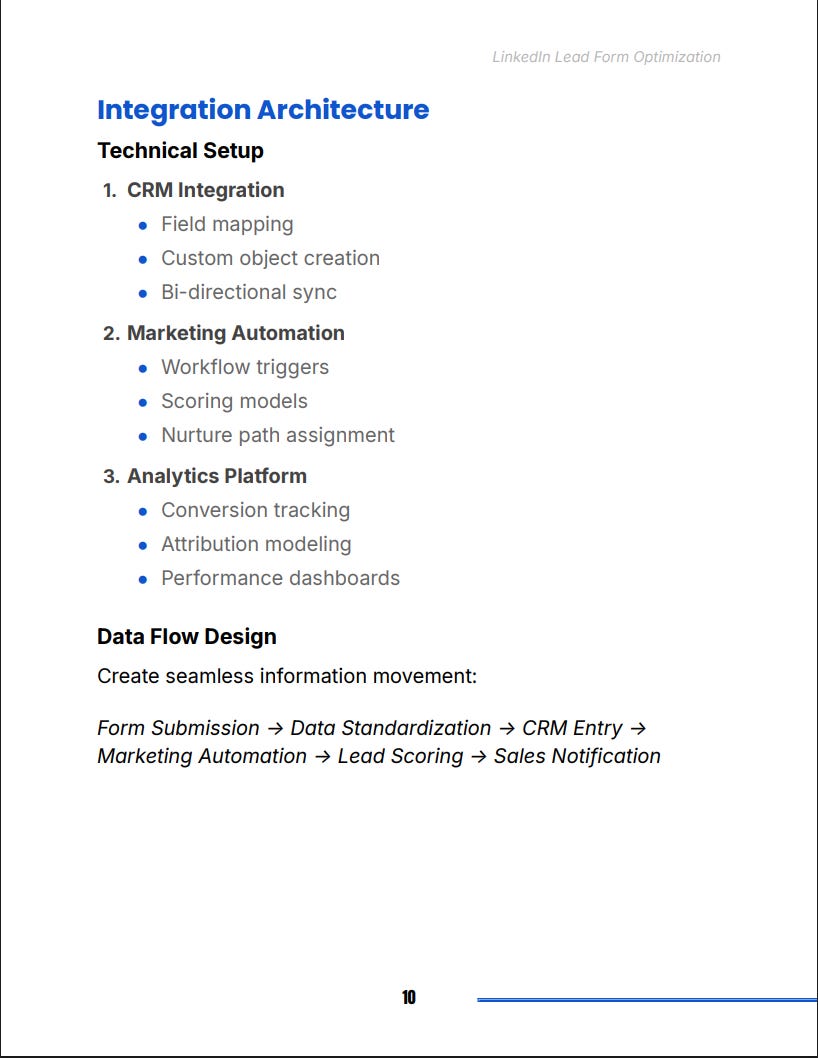
Step Six: Build a Clean Integration Architecture
Because lead quality dies the moment data enters your system incorrectly
Jordan connects everything through one clean data flow.
Form submission
Data standardization
CRM entry
Marketing automation
Lead scoring
Sales notification
In the CRM, they map every field correctly.
They use custom objects where needed.
They add bi directional sync so data stays accurate everywhere.
In the automation platform, they trigger workflows.
Nurtures.
Follow ups.
Segment assignment.
Scoring adjustments.
The funnel becomes coordinated instead of chaotic.
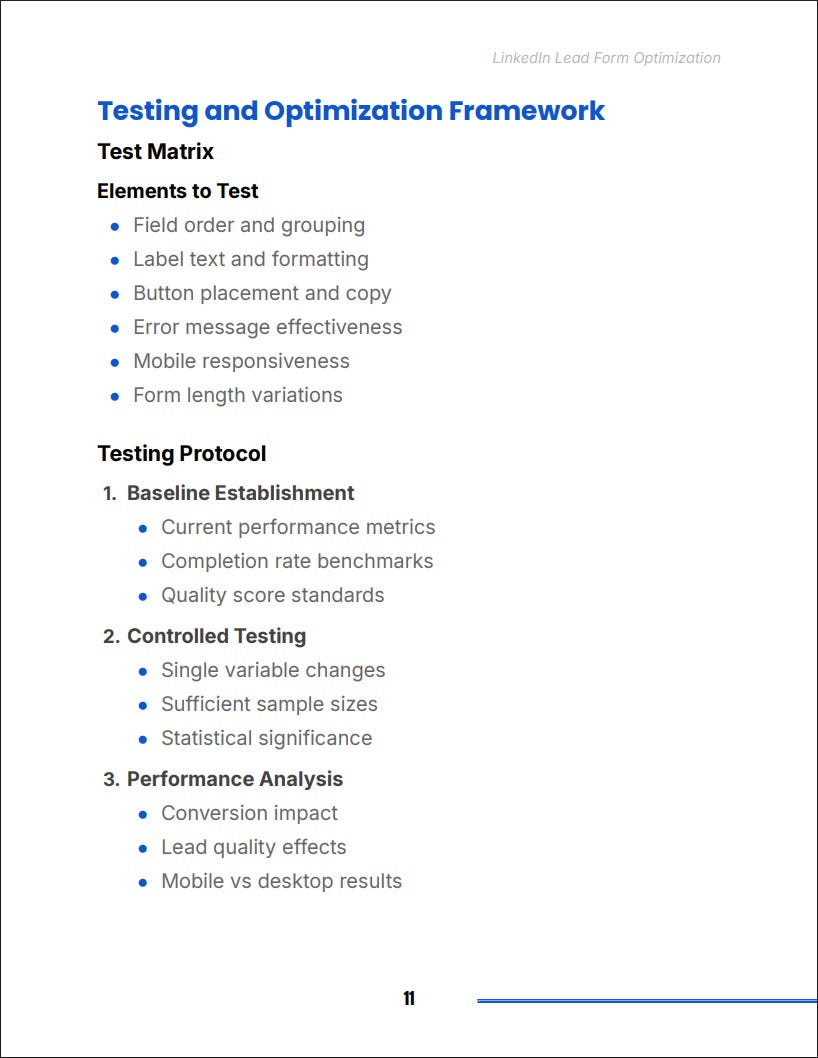
Step Seven: Execute a Testing and Optimization Framework
Continuous improvement is what turns a decent form into a high performing system
Jordan builds a structured testing matrix.
Elements to test
Field order
Field labels
Button placement
CTA copy
Error messages
Mobile responsiveness
Form length
Testing protocol
Establish a baseline first.
Change one variable at a time.
Run tests with enough volume to matter.
Measure outcomes based on both completion rate and lead quality.
Document every result.
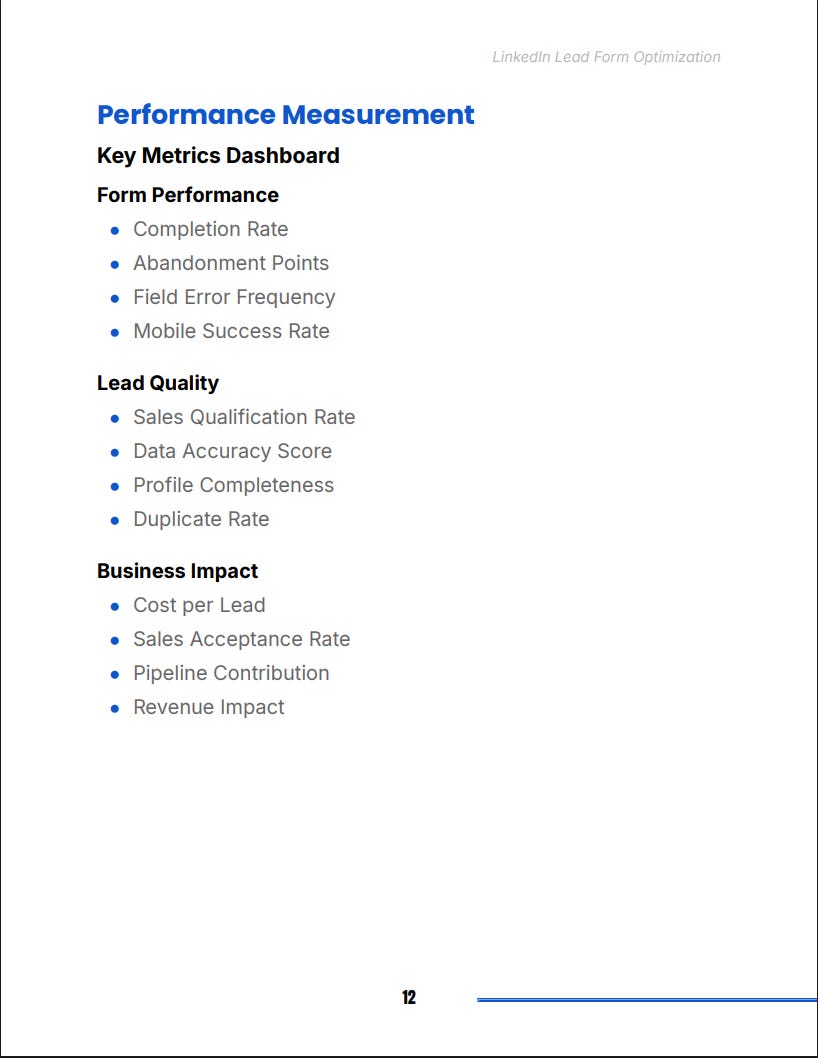
Performance metrics
Completion rate
Abandonment points
Field error frequency
Mobile success rate
Sales qualification rate
Pipeline contribution
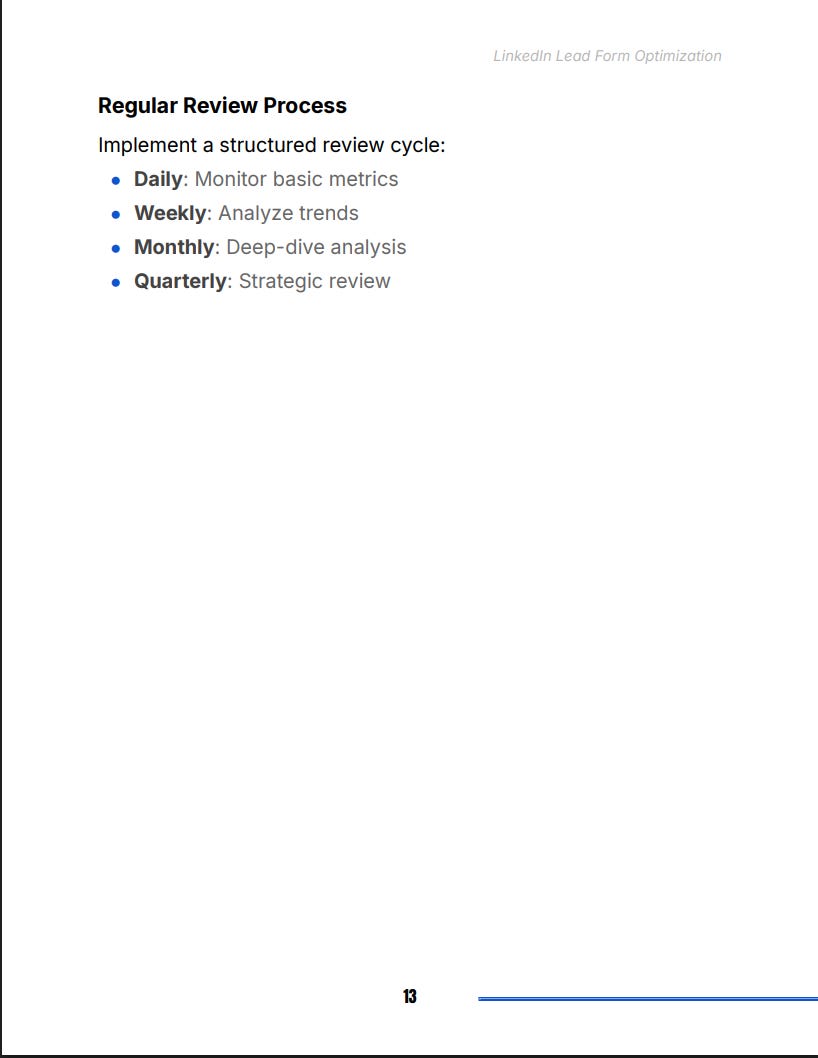
Jordan reviews this data on a schedule:
Daily for quick checks
Weekly for trend analysis
Monthly for deep review
Quarterly for structural changes
This turns optimization into a habit instead of an emergency.
The Real Purpose of LinkedIn Lead Form Optimization
You are not trying to get more leads. You are trying to get the right leads.
Too many founders obsess over volume and forget the real goal: quality.
LinkedIn Lead Gen Forms can become your most profitable acquisition channel when the form is engineered correctly.
This system gives you everything you need:
A psychology informed approach
Strategic field selection
Mobile first execution
Progressive profiling
Strong validation
Clean integrations
A testing framework that compounds results
The outcome is simple.
Better leads.
More qualified conversations.
A cleaner pipeline.
Faster sales cycles.
Higher ROI.
This is how founders stop chasing noise and start scaling predictable B2B demand.